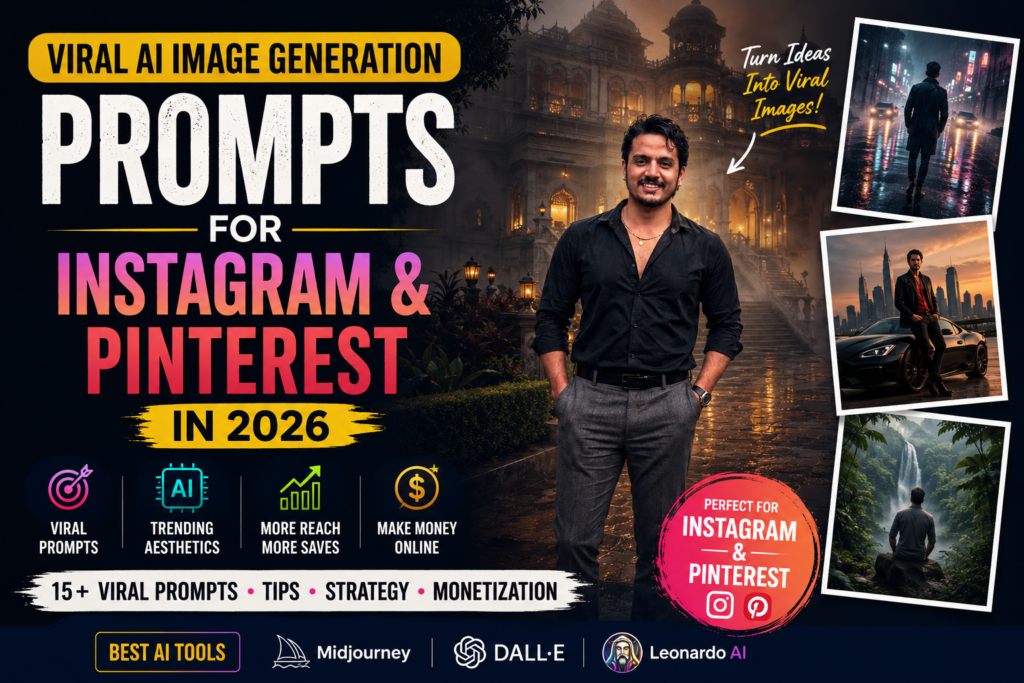
Have you ever seen an ordinary photo transformed into a mesmerizing artwork where colors seem to flow like silk while the main subject stays perfectly sharp? That is the magic of the Pixel Stretch AI effect, one of the fastest-growing AI image trends of 2026. From portraits and temples to landscapes and wildlife, this style turns everyday images into gallery-worthy masterpieces.
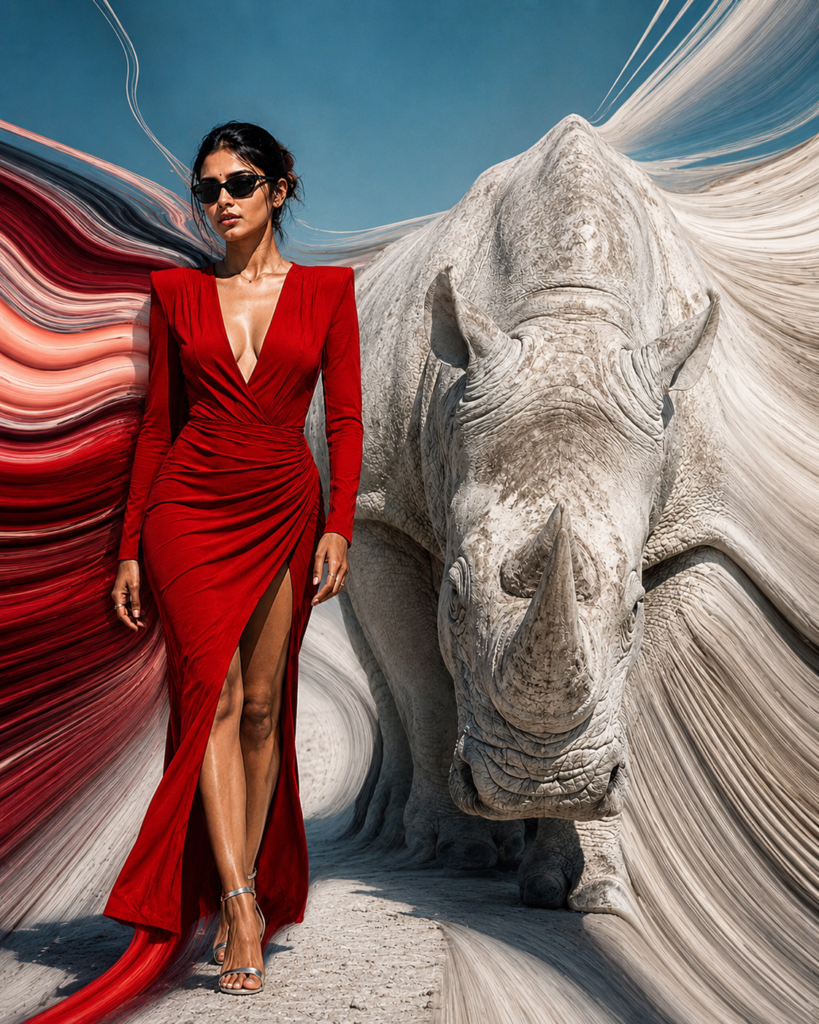
Unlike traditional pixel stretching in Photoshop, modern AI understands the scene before extending colors and textures. Instead of creating random distortions, it produces smooth ribbons of light, paint-like motion, and elegant flowing patterns that naturally blend with the original image. The result is artistic without losing the identity of the subject.
Why This Prompt Works
The prompt instructs the AI to:
- Keep the subject crisp and recognizable.
- Transform the background into silky pixel-stretch ribbons.
- Preserve realistic lighting, shadows, and depth.
- Produce cinematic contrast, HDR colors, and 8K-quality details.
This combination creates images that stand out on Instagram, Pinterest, and YouTube thumbnails while maintaining a premium digital-art aesthetic.
Example Results
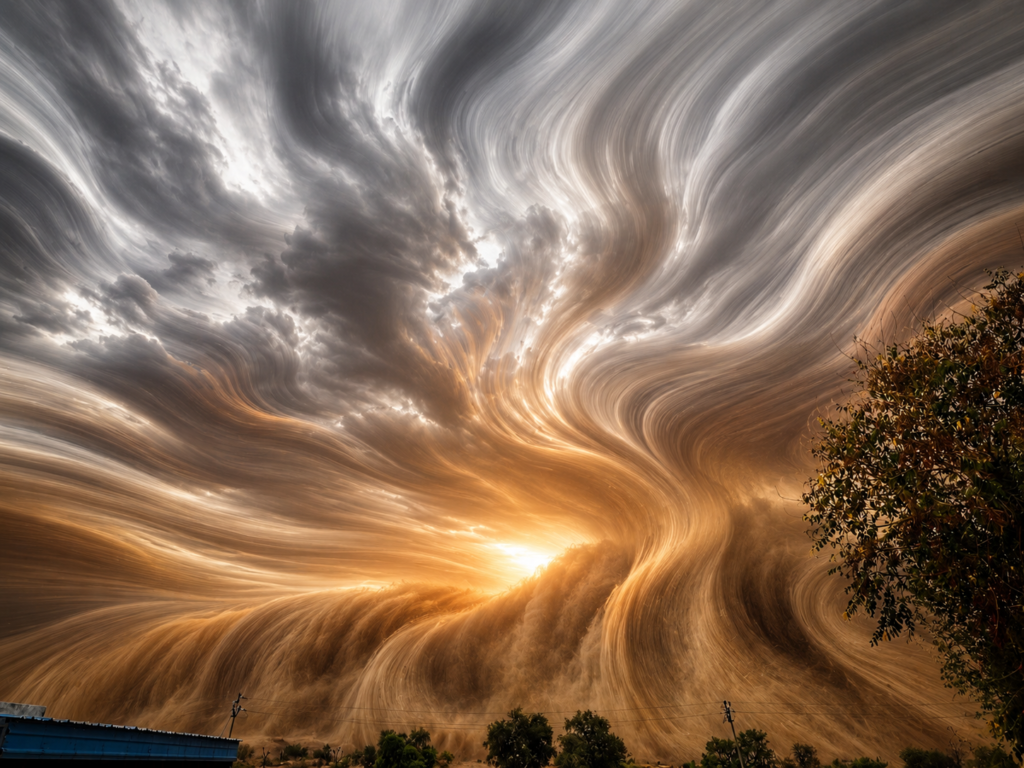
Dust Storm Transformation
Temple Artwork
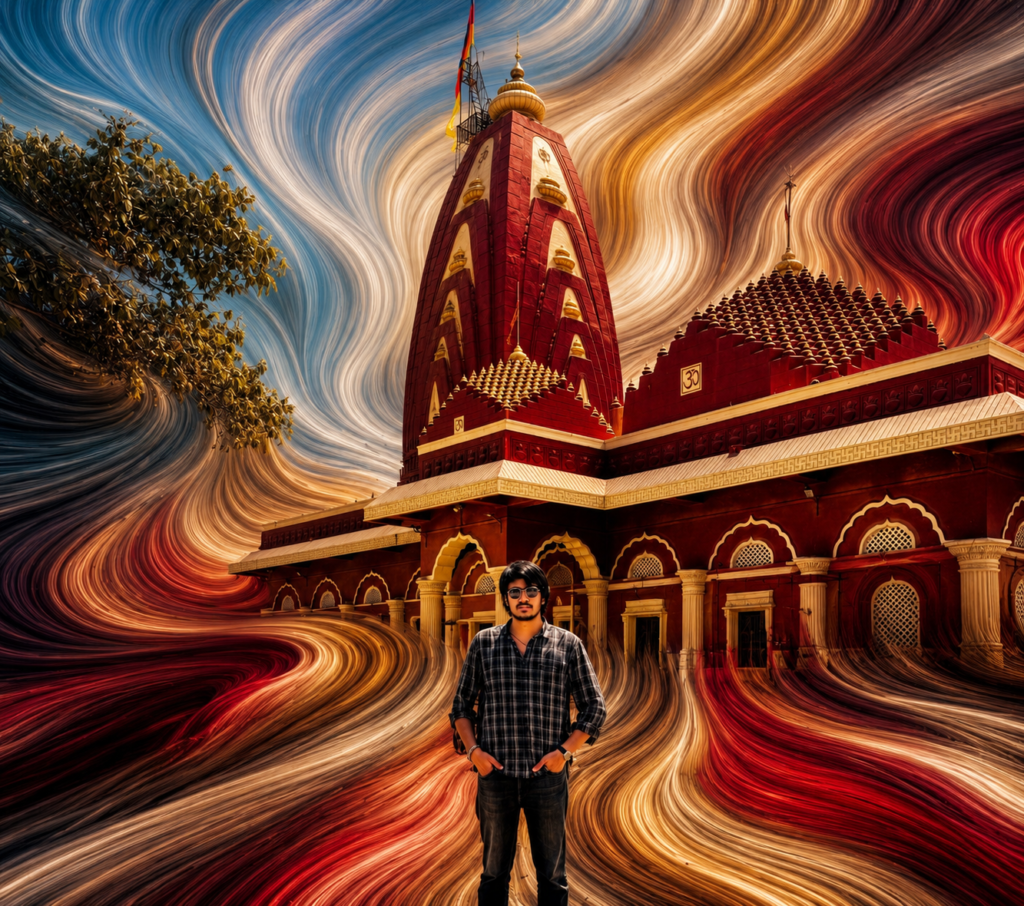
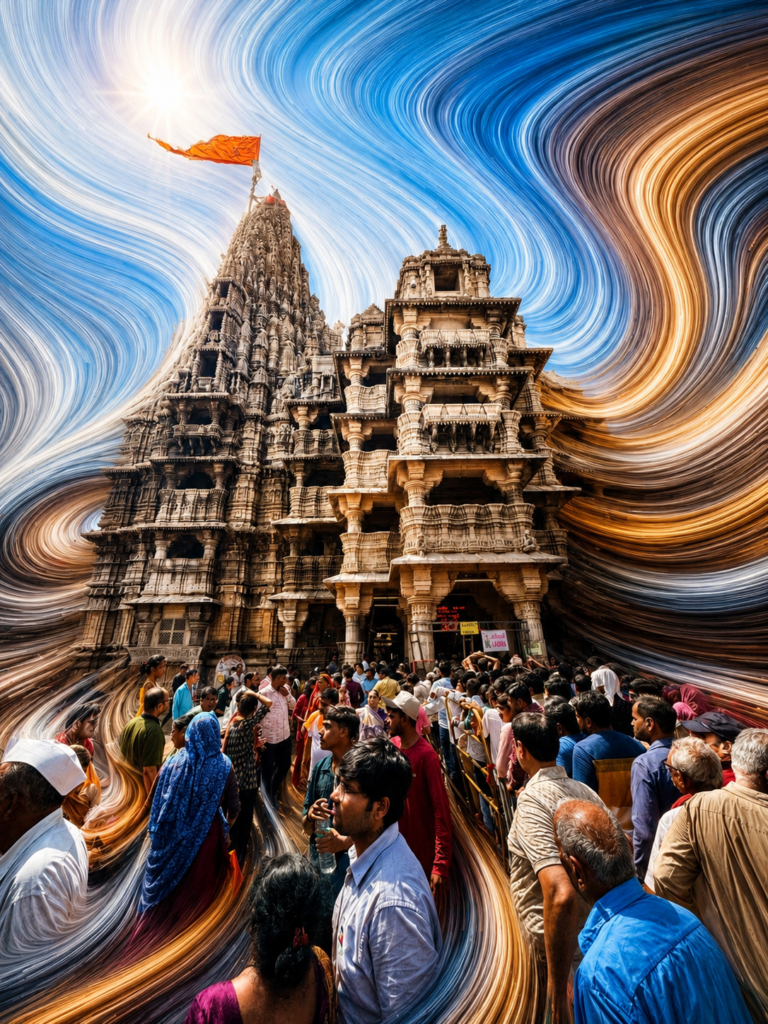
Portrait with Pixel Stretch
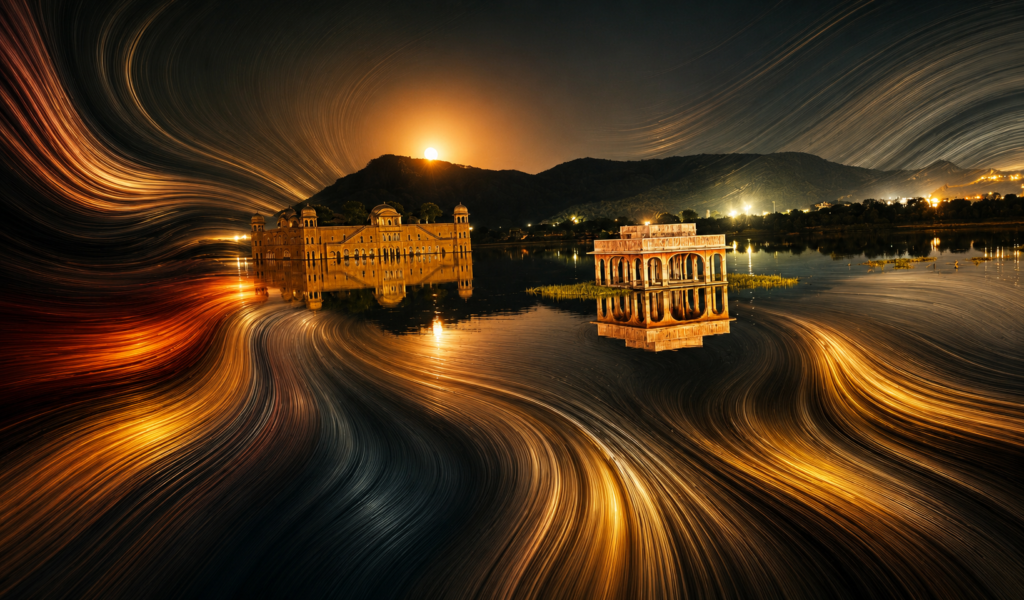
Creative Landscape
My Experience with the Pixel Stretch Style
When I first experimented with this prompt, I honestly wasn’t expecting such impressive results. I tried it on a few travel photos that had been sitting in my gallery for months, and they suddenly looked like high-end digital artwork. What I liked most was that the main subject stayed perfectly clear while the background transformed into smooth streams of color, creating a sense of motion without making the image feel artificial.
I also noticed that the effect works differently depending on the original photo. Bright skies create beautiful flowing blue ribbons, while temples, forests, and city lights produce unique textures that make every result feel one of a kind. That’s what makes this prompt so addictive—you never get the exact same artwork twice.
If your first result isn’t exactly what you imagined, don’t stop there. Try changing the composition, lighting, or even the aspect ratio. Small adjustments often lead to dramatically different and even better-looking images. AI image generation is all about experimenting, and sometimes the best artwork comes from unexpected results.
Whether you’re creating content for Instagram, Pinterest, YouTube thumbnails, wallpapers, or simply building an AI art portfolio, this prompt gives your photos a premium, gallery-style appearance with minimal effort. It’s one of those prompts I keep coming back to because it consistently produces eye-catching results.
At PromptsForIncome.com, I regularly test new AI prompts before sharing them, so you get prompts that are practical, trending, and capable of producing professional-quality images. If you enjoy creating AI art, make sure to check back often because new prompt styles are added regularly to help you stay ahead of the latest trends.
Final Thoughts
If you want your AI creations to grab attention instantly, this Pixel Stretch prompt is worth trying. It works beautifully with portraits, architecture, travel photos, wildlife, and dramatic landscapes, producing premium-quality artwork in seconds. Explore more trending AI prompts, image styles, and creative ideas on PromptsForIncome.com and stay ahead of the latest AI art trends.