
Somewhere between the 2 a.m. feedings and the blur of laundry, a baby’s first year disappears fast. One month they’re a sleepy little bundle, and twelve months later they’re pulling themselves up to blow out a candle. A monthly milestone photo series is one of the simplest ways to hold onto that timeline — and with AI image tools, you don’t need a studio, a props closet, or a photography budget to make it look like one.
Below is a themed layout for every month of a baby’s first year, each built around a different fantasy or celebration idea. Paste your baby’s reference photo into an AI image generator (Grok Imagine, ChatGPT’s image tool, Gemini, or Midjourney all work), add your own prompt for that theme, and adjust the wording to match your baby’s features, outfit colors, or the mood you want.
How to Use These Prompts
- Start with one clear, well-lit reference photo of your baby’s face.
- Add your prompt for that month’s theme, including details like hair color, eye color, or outfit preferences.
- Generate 3–4 variations per theme and pick the one where the face looks most natural — AI tools sometimes distort small features, so a second or third generation usually fixes it.
- Keep a consistent aspect ratio (portrait, 4:5 works well for Instagram and printing) across all 12 images so the final collage looks cohesive.
Now let’s go month by month.
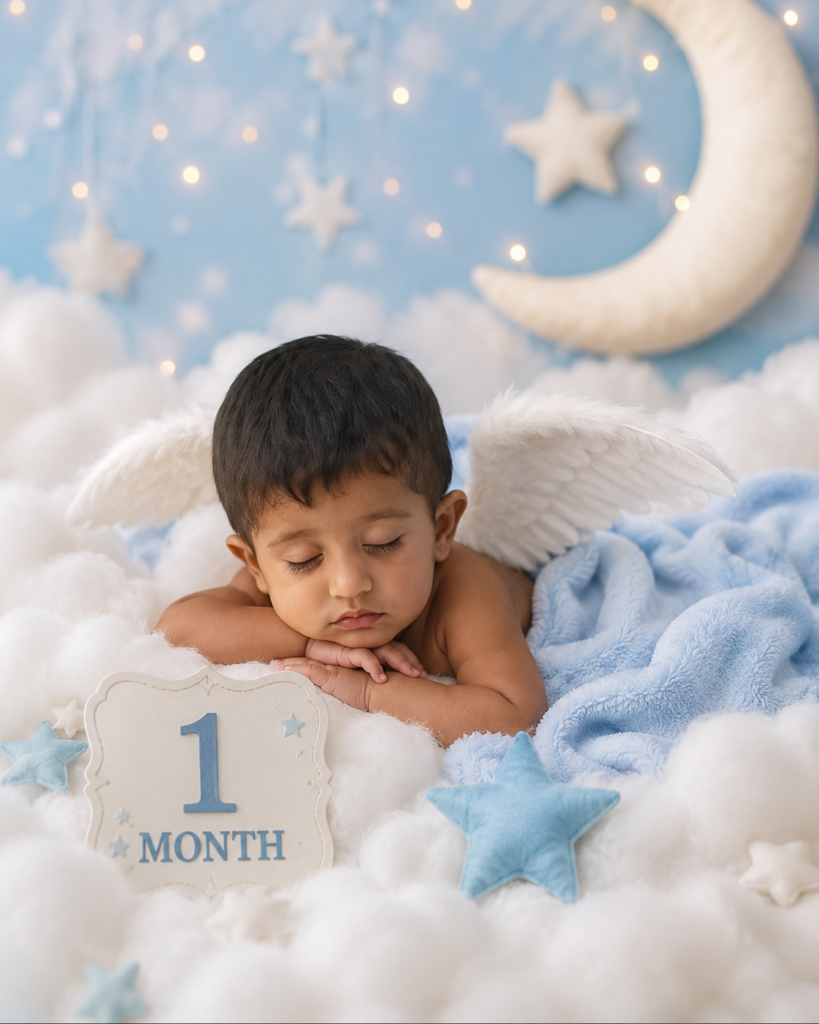
1 Month — Angel Dream Portrait
The newborn stage is all softness and stillness — most of it spent asleep. An angel-themed portrait leans into that calm with fluffy clouds, tiny wings, and moonlit pastel tones.
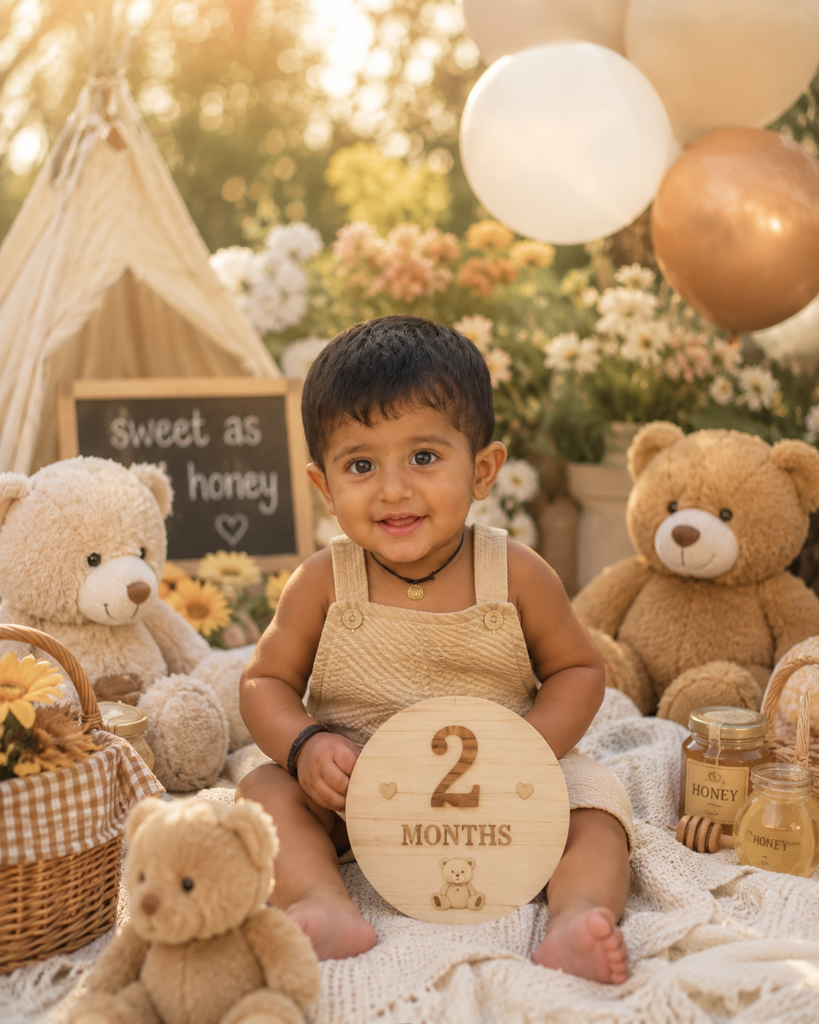
2 Months — Teddy Bear Picnic
By month two, babies start holding eye contact and reacting to faces — the perfect excuse for a cozy, character-filled scene.
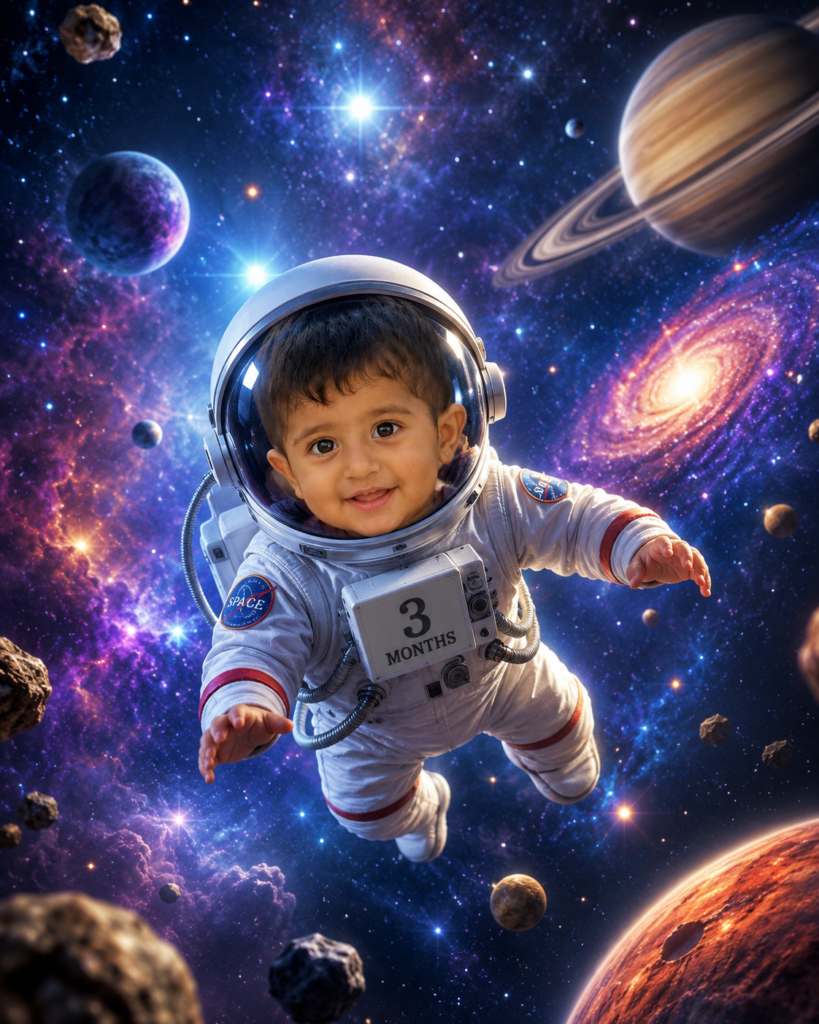
3 Months — Space Adventure
Turn your little one into the tiniest astronaut in the galaxy, floating among planets and stars.
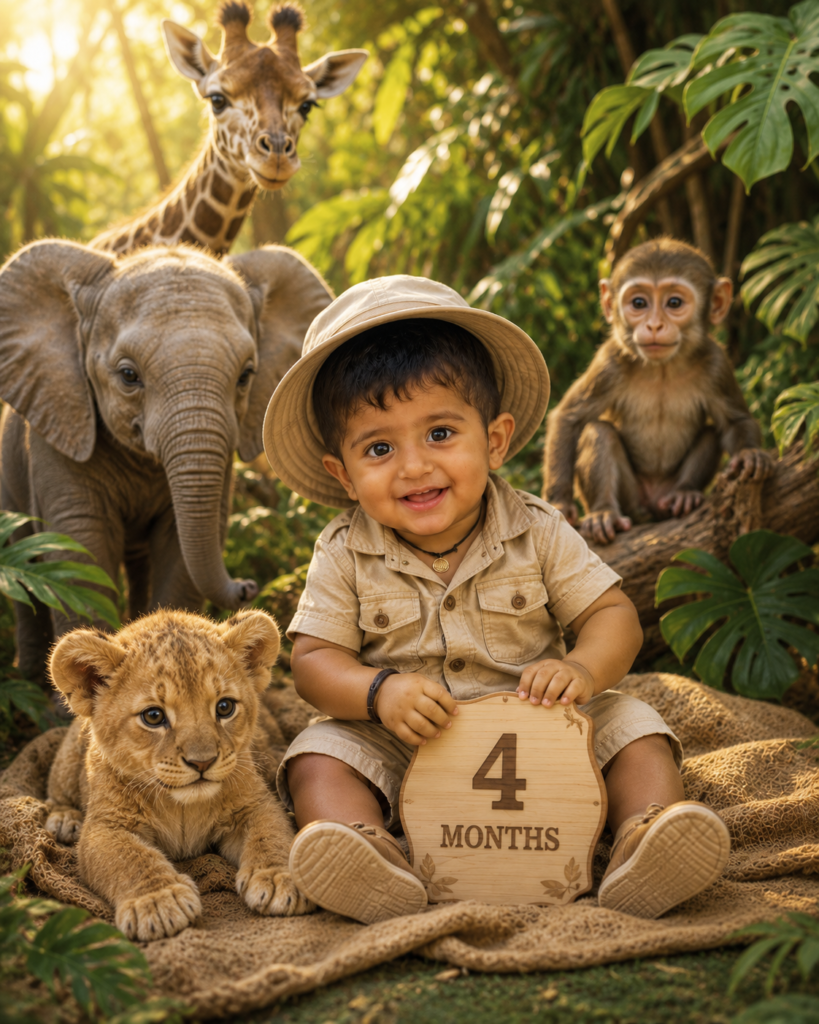
4 Months — Jungle Safari
Bright colors, friendly animals, and golden light make this one of the most popular baby milestone themes.
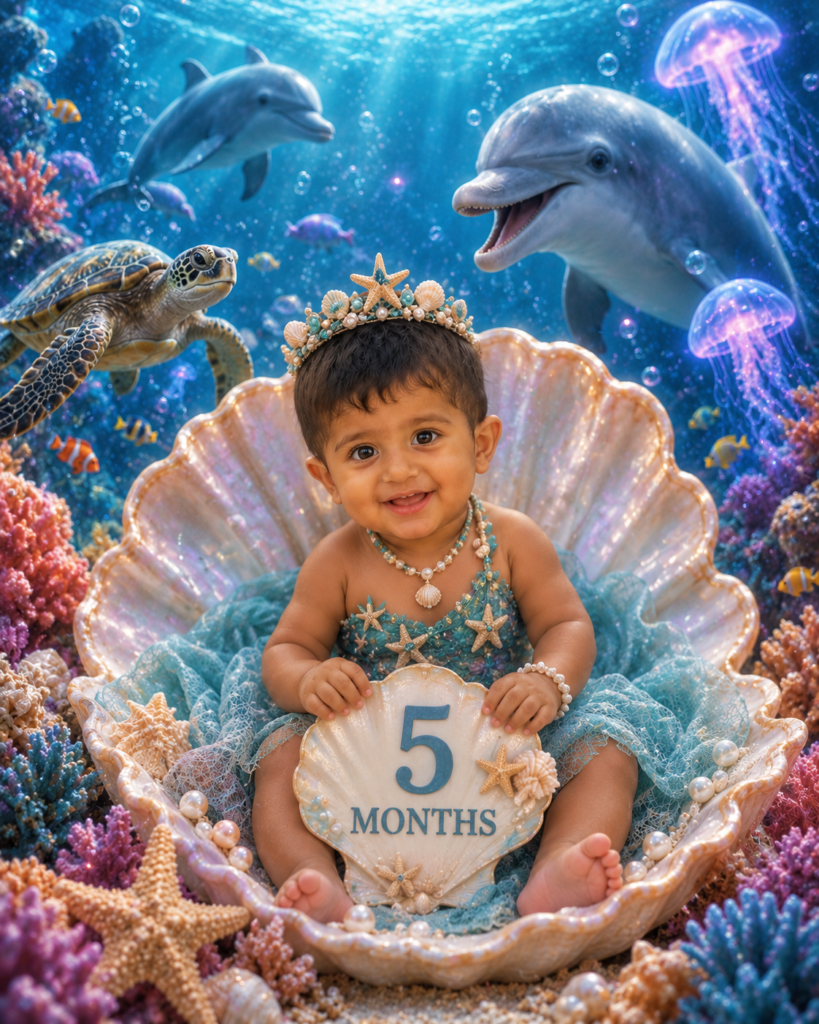
5 Months — Underwater Fantasy
An ocean-kingdom theme works especially well for babies with calm, wide-eyed expressions.
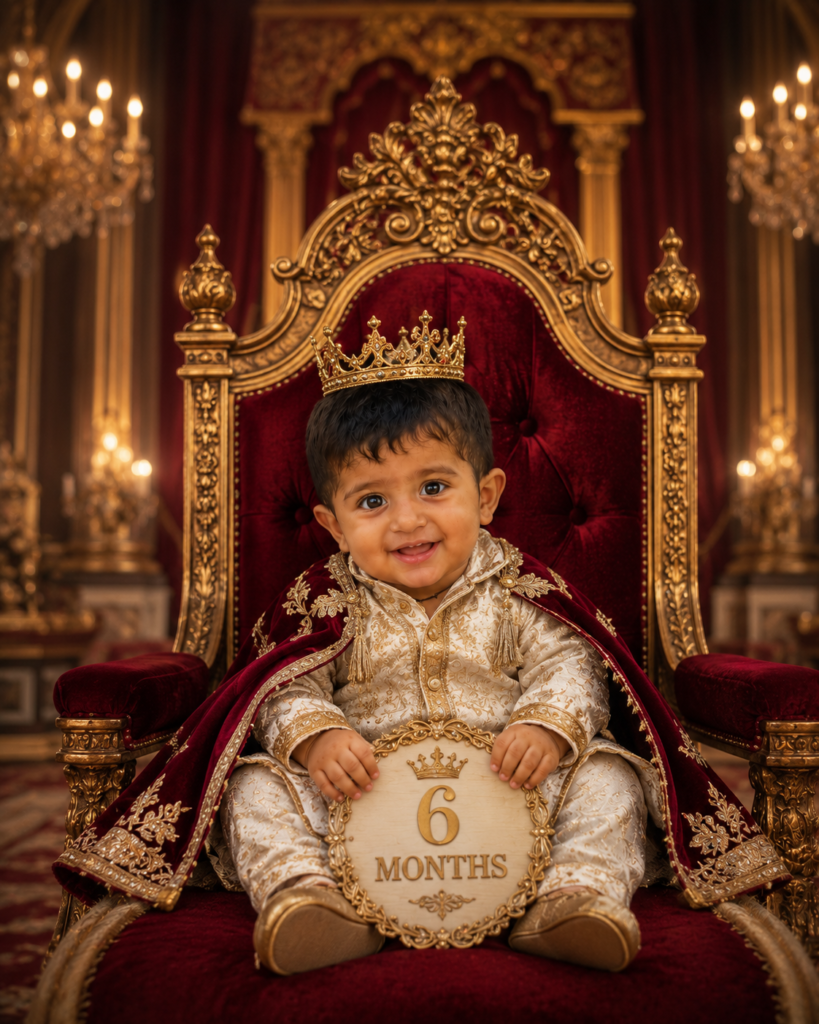
6 Months — Royal Prince & Princess
Half a year deserves a little pageantry. This theme photographs especially well for family walls and printed albums.
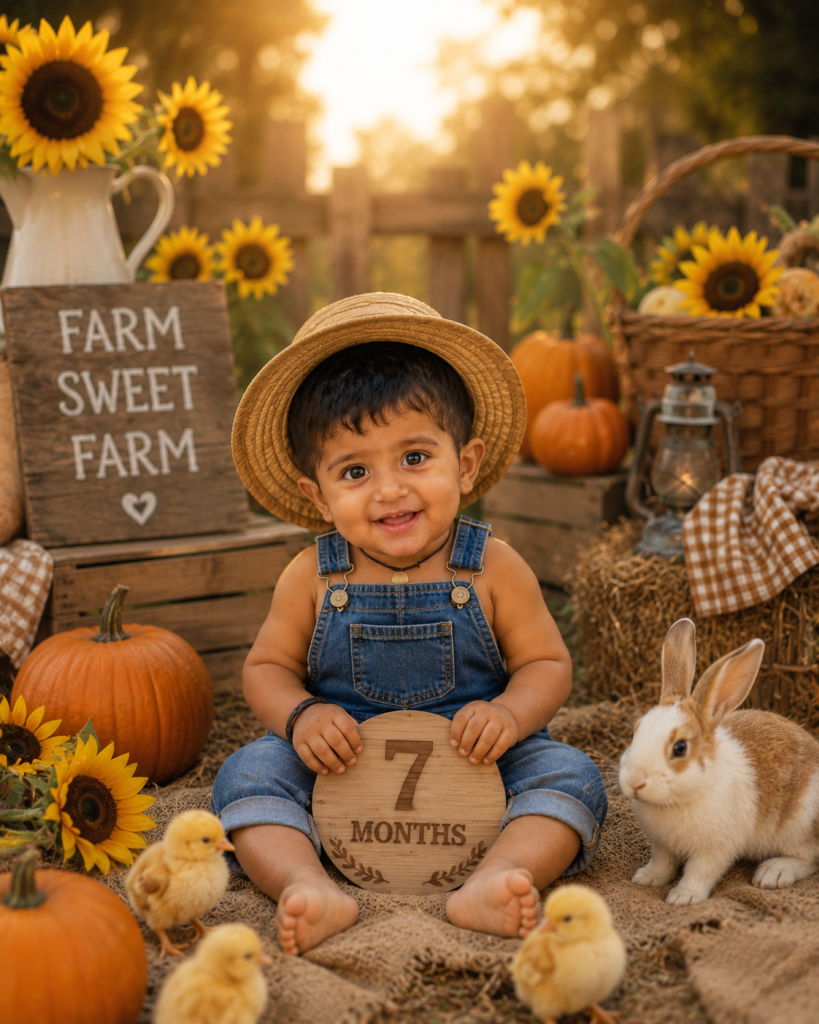
7 Months — Countryside Farm
A rustic, sun-warmed farm scene brings out a sweeter, more grounded mood than the fantasy themes.
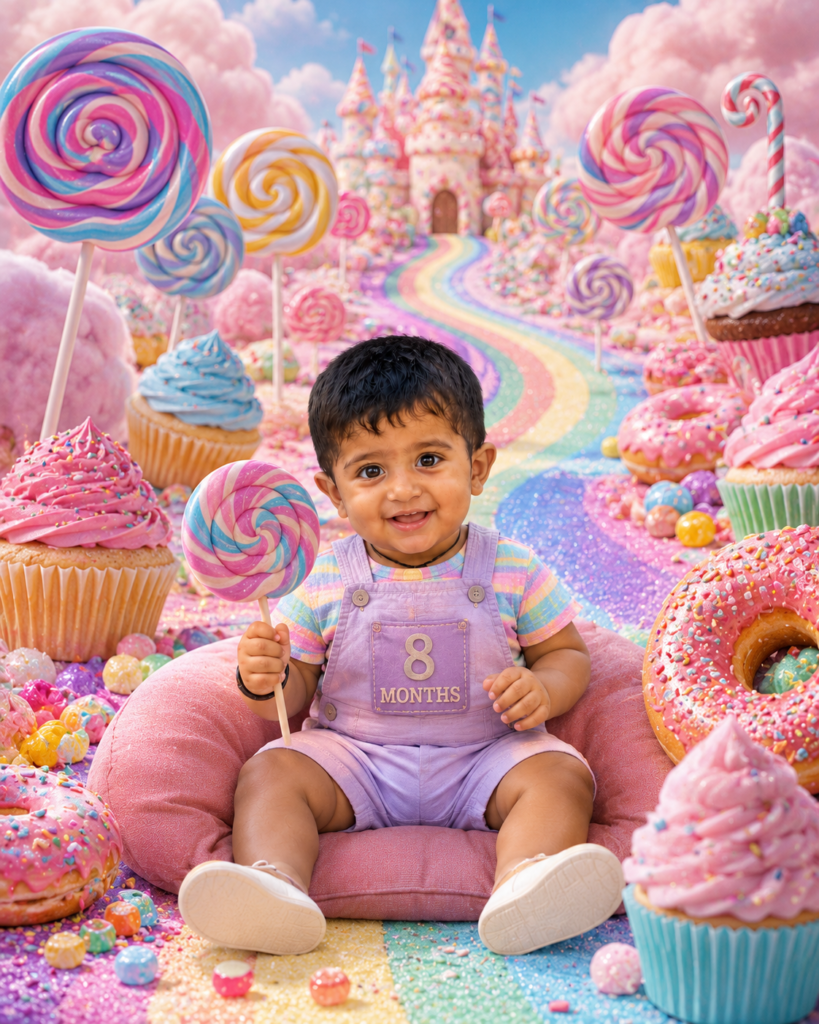
8 Months — Candy Land Adventure
By 8 months most babies are sitting up confidently, which makes this colorful, high-energy theme easy to pull off.
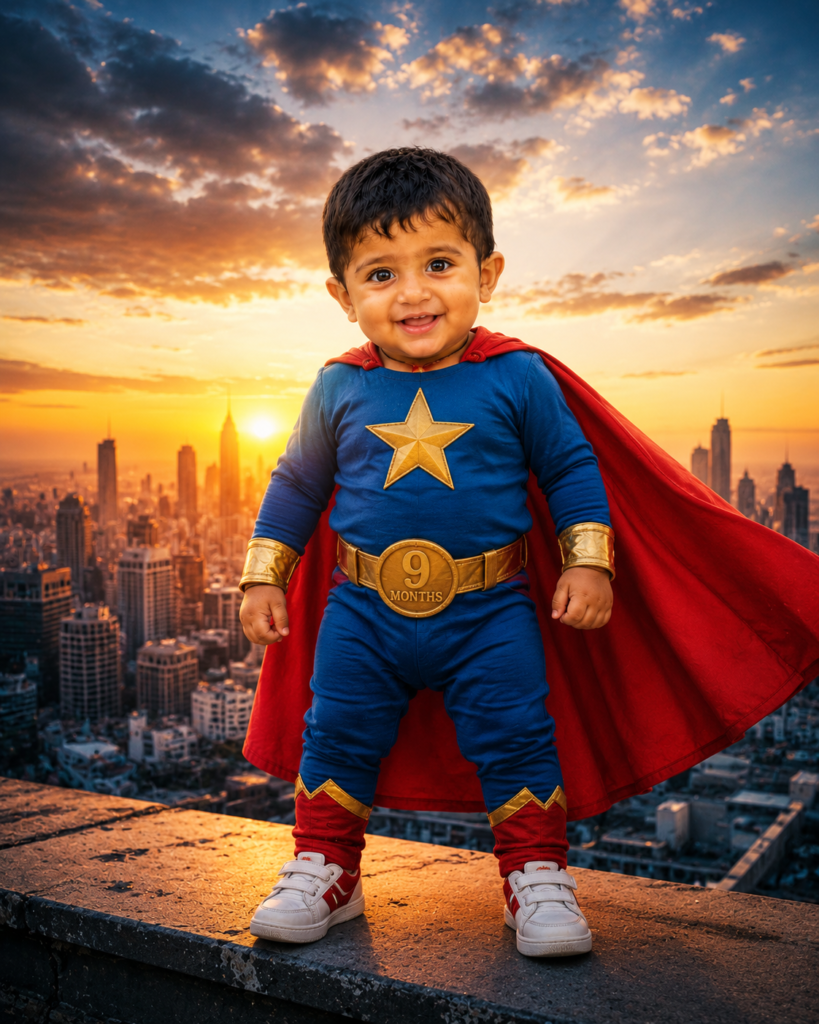
9 Months — Little Superhero
Crawling, standing, reaching for everything — month 9 has energy, and a superhero theme matches it.
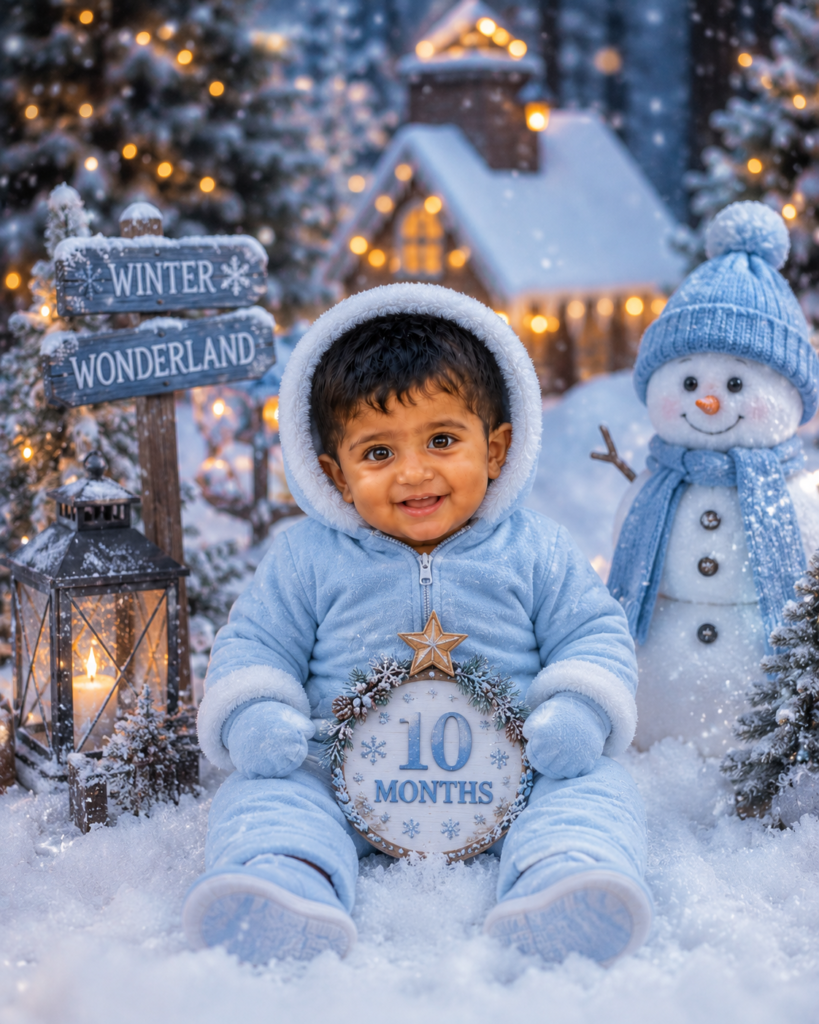
10 Months — Winter Wonderland
A cozy snow scene works beautifully whether or not the baby’s actual birthday falls in winter — it’s about mood, not the calendar.
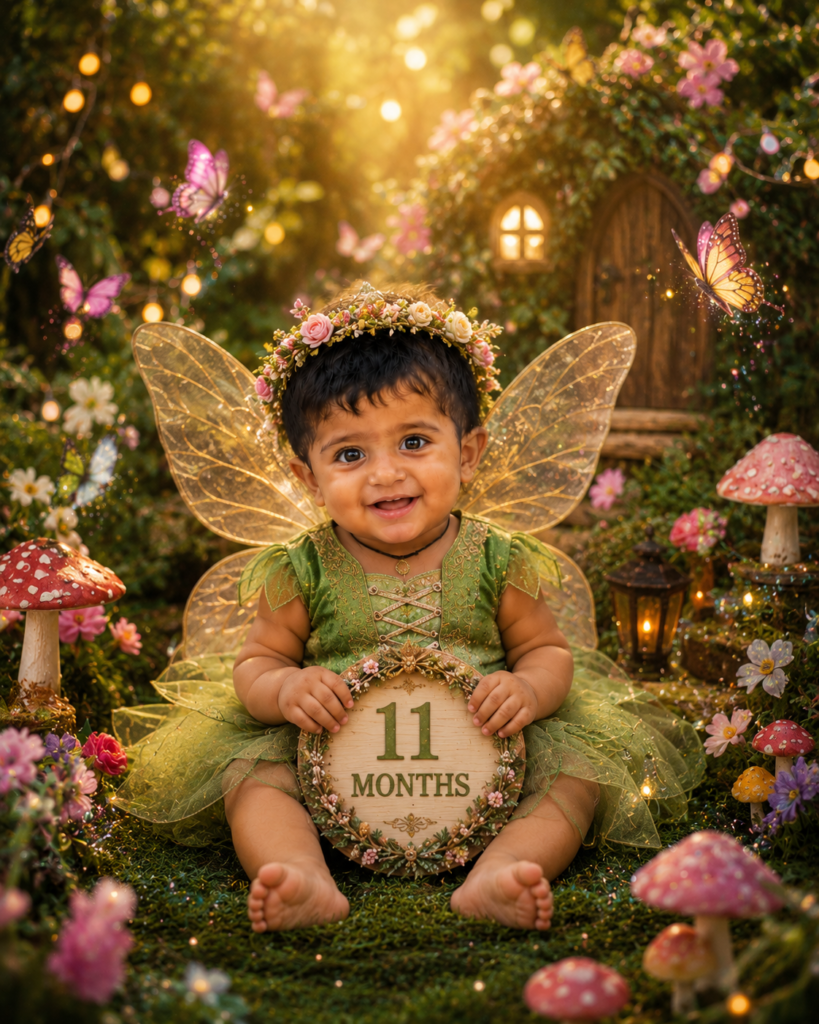
11 Months — Fairy Garden
The last theme before the big birthday shoot — soft, whimsical, and a little bittersweet.
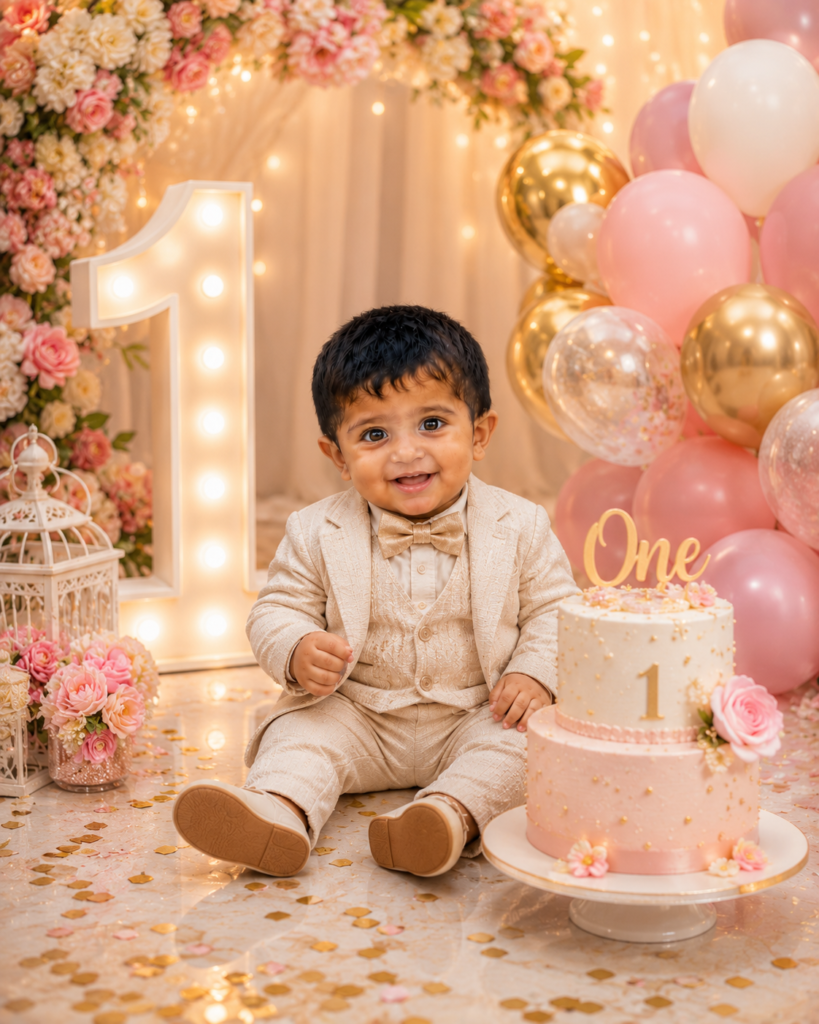
12 Months (1 Year) — First Birthday Celebration
The finale. This is the image most parents end up printing, framing, or posting — so it’s worth generating several versions.
Tips for Consistent, High-Quality Results
- Use the same reference photo for every month so the AI locks onto consistent facial features.
- Describe hair, eye color, and skin tone explicitly in each prompt if the AI tool doesn’t accept an image reference — this reduces inconsistency between months.
- Generate in the same aspect ratio every time (4:5 or 1:1) so your final 12-image collage lines up cleanly.
- Keep lighting language consistent — if you used “warm golden lighting” in month 6, echo similar lighting cues in the following months so the series feels like one story, not twelve unrelated images.
- Regenerate if the face looks off. AI models occasionally distort small facial features on the first try; a second or third generation almost always fixes it.
Frequently Asked Questions
Which AI tools work best for baby milestone portraits? Tools that accept an image reference alongside a text prompt — such as Grok Imagine, ChatGPT’s image generator, or Gemini — tend to keep the baby’s face more consistent across a themed series than text-only generators.
Is it safe to upload photos of my baby to an AI tool? Check the privacy policy of whichever tool you use before uploading a child’s photo, and prefer tools that don’t use uploaded images for model training by default. When in doubt, use a cropped or low-resolution version of the photo.
Can I use these prompts for a different age or for twins? Yes. Just adjust the age reference in the prompt (for example, “3-month-old baby” to “newborn twins”) and describe both babies’ features if you’re generating a portrait of more than one child.
Do I need a professional camera for the reference photo? No. A clear, well-lit phone photo of your baby’s face, taken straight-on, gives the AI tool enough detail to work with.
Final Thoughts
A baby’s first year moves fast enough that most of it blurs together in memory. Twelve themed portraits, one per month, turn that blur into an actual timeline — and with AI image generation, building that timeline costs nothing but time and a good reference photo. Save each month’s image as you go, and by the first birthday you’ll have a complete, print-ready collection that tells the whole story from newborn to toddler in one glance.