Creative skills — design, prompting, or a second language — get treated as hobbies, not income streams, in most “make money online” content. That’s a mistake. Presets, tested prompt systems, and voice-over work are all things people and businesses buy constantly, and none of them require you to build a personal brand or show your face.
These three ideas turn a creative or language skill into a sellable, licensable, or repeatable asset.
1. Digital Asset Licensing (Fonts, Presets, Sound Kits)
What it is: Creating small digital assets — Lightroom presets, font files, Canva templates, sound effect packs, LUTs for video — and licensing them for others to use, often through marketplaces.
Why almost nobody talks about it: It’s seen as a “creative” niche, not a “make money online” niche, so it rarely appears in income-focused content — even though creators buy these assets constantly.
Difficulty: 4/10 Startup Cost: $0–$30 Time Required: A few hours per asset once you have a workflow Skills Needed:Design or audio basics, attention to detail, some patience for marketplace approval processes Potential Monthly Earnings: Ranges widely based on catalog size and marketplace traffic; larger, consistent catalogs tend to do better than single uploads.
Who should try it: Anyone with a design, photography, or audio hobby already.
Step-by-step guide:
- Pick one asset type you can make quickly (presets are easiest to start).
- Create a small set of 10–20 assets around one theme (e.g., “moody travel presets”).
- Upload to Creative Market, Etsy, or your own Gumroad store.
- Create simple preview content (before/after images or audio clips).
- Cross-post previews on Pinterest, which drives huge traffic to visual products.
- Keep releasing themed packs consistently.
Tools needed: Lightroom, Canva, Audacity, Creative Market, Etsy, Gumroad
Free resources: Creative Market seller guides, Etsy’s free seller handbook, YouTube preset-creation tutorials
Common mistakes: Releasing one asset and stopping; ignoring Pinterest as a traffic source; pricing individual assets too low without bundles.
How to get your first customer: Pinterest pins with strong before/after visuals consistently outperform other channels for this category.
Scaling strategy: Build a catalog of 50+ assets across a few related themes, then bundle into a “complete kit” at a higher price point.
Real-world example (hypothetical): A hobbyist photographer packages their personal editing style into a preset pack, posts before/after photos on Pinterest, and slowly builds recurring sales without ever showing their face.
Pros: Passive resale once created, visually shareable, works across countries Cons: Marketplace fees, some upfront skill required
Expert tip: Presets and templates sell better bundled by mood or theme than sold individually.
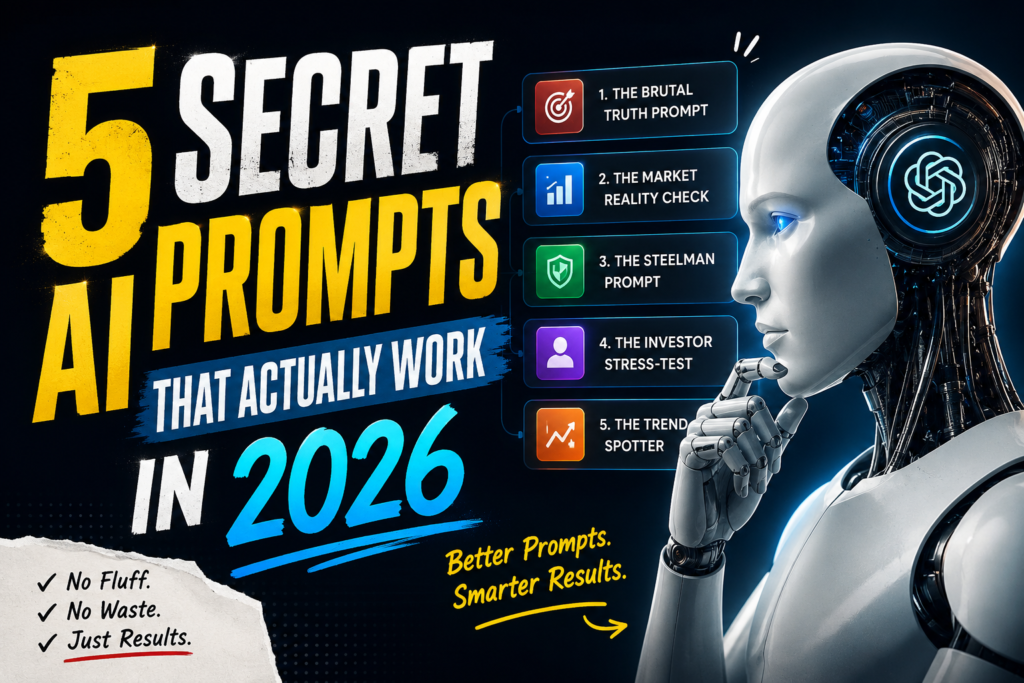
2. AI Prompt & Workflow Packs for Businesses
What it is: Not generic “AI prompts for content creators” — instead, building specific, tested prompt systems and mini-workflows for business functions like HR onboarding emails, legal document summarizing, or e-commerce product listings.
Why almost nobody talks about it: Most AI-prompt content targets consumers wanting viral images. Business-focused, boring-but-useful prompt systems are far less crowded.
Difficulty: 4/10 Startup Cost: $0 Time Required: 1–3 hours per pack Skills Needed: Strong prompting skills, understanding of a specific business function, clear writing Potential Monthly Earnings: Depends on distribution channel and how well-targeted the packs are to a real business pain point.
Who should try it: Anyone with a background (even basic) in a specific business function — HR, legal, retail, accounting.
Step-by-step guide:
- Pick one business function you understand reasonably well.
- Build and test 10–15 prompts that solve real recurring tasks in that function.
- Package with instructions and examples into a simple PDF or Notion doc.
- Sell directly to small business owners in relevant LinkedIn or Facebook groups.
- Offer a free sample prompt to build trust before the paid pack.
- Gather testimonials from early buyers to use in marketing.
Tools needed: ChatGPT/Claude, Canva or Notion for packaging, Gumroad
Free resources: Free prompt engineering guides from Anthropic and OpenAI, LinkedIn business groups for target audience research
Common mistakes: Making prompts too generic; not testing prompts on real business documents first; ignoring the packaging and instructions.
How to get your first customer: Share one free, genuinely useful prompt in a relevant LinkedIn group, and let people ask for more.
Scaling strategy: Build packs for adjacent business functions and bundle into an “AI toolkit” subscription.
Real-world example (hypothetical): Someone with HR experience creates a pack of tested onboarding and policy-writing prompts, shares one free sample in an HR professionals’ Facebook group, and starts getting steady small sales.
Pros: Fast to create, low cost, easy to update over time Cons: Requires real domain knowledge to make it genuinely useful
Expert tip: “Tested on real documents” beats “100 prompts” every time. Depth over volume.
3. Voice-Over & AI Dubbing for Micro-Brands
What it is: Offering affordable voice-over and AI-assisted dubbing/localization services to small e-commerce brands and course creators who need product videos or ads translated into other languages.
Why almost nobody talks about it: Voice-over is usually framed as a creative-industry hustle (film, ads), not as a service for small e-commerce sellers — but demand from micro-brands is growing fast and underserved.
Difficulty: 4/10 Startup Cost: $0–$50 Time Required: Project-based, a few hours per job Skills Needed: Clear speaking voice or comfort using AI voice tools, basic audio editing, one or more languages Potential Monthly Earnings:Project-based income; depends on volume of clients and pricing per project.
Who should try it: Bilingual or multilingual people, or anyone comfortable using AI voice cloning tools ethically (with proper consent/licensing).
Step-by-step guide:
- Pick 1–2 languages you can deliver well (native or fluent).
- Create 3 short sample voice-overs for typical product ad scripts.
- Reach out directly to small e-commerce sellers on Instagram/Etsy needing localized ads.
- Offer a discounted first project in exchange for a testimonial.
- Use AI dubbing tools to speed up delivery once you have a workflow.
- Package pricing per minute of finished audio.
Tools needed: Audacity, ElevenLabs or similar AI voice tools (used ethically and with consent), Fiverr alternative marketplaces for portfolio only
Free resources: Free audio editing tutorials, language-specific voice-over communities on Discord/Reddit
Common mistakes: Underpricing per-minute rates; not specializing in a niche (e.g., e-commerce ads specifically); poor audio quality from bad microphones.
How to get your first customer: DM small brands directly with a free 15-second sample dubbed in their target language.
Scaling strategy: Build a small network of voice talents in different languages and become the go-to point of contact for micro-brand localization.
Real-world example (hypothetical): A bilingual freelancer offers Hindi voice-overs for small D2C brands’ Instagram ads, starting with one brand and growing through referrals within the same seller community.
Pros: Location-independent, works across many countries, creative and flexible Cons: Requires genuine language fluency or careful ethical use of AI tools
Expert tip: Specialize by industry (e-commerce ads, course intros) rather than trying to be a generalist voice-over artist.
Final Thoughts
The common thread here: none of these ideas require an audience, and all of them turn a skill you might already have — design taste, prompting, or a second language — into a repeatable, sellable asset. Start with a small batch (10–20 assets, 10–15 prompts, or 3 voice samples), get it in front of the right niche, and let quality drive the referrals.