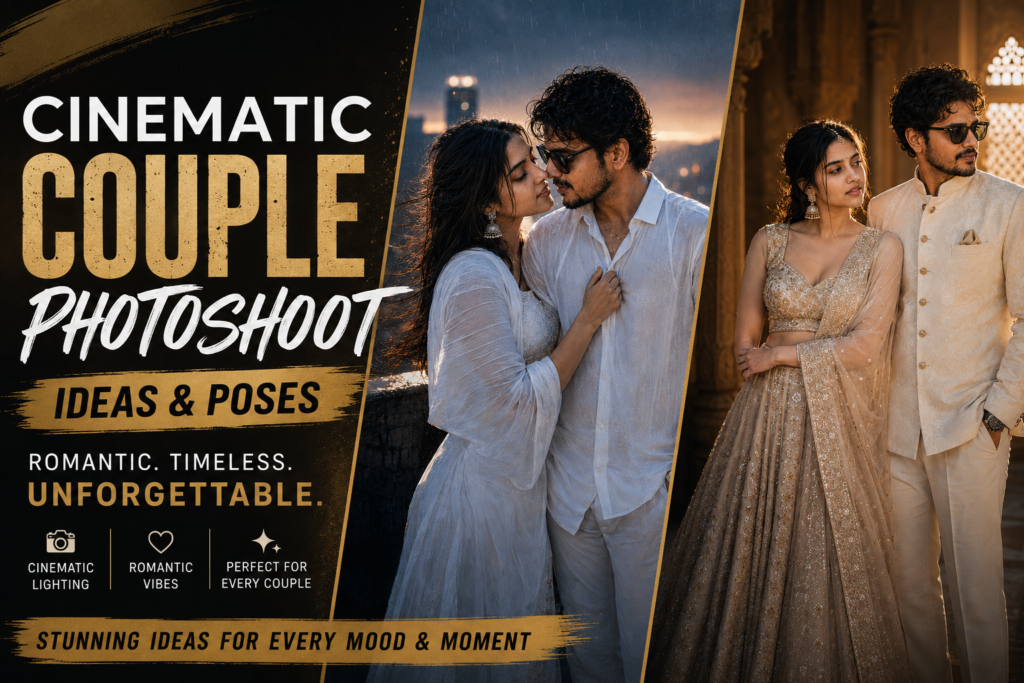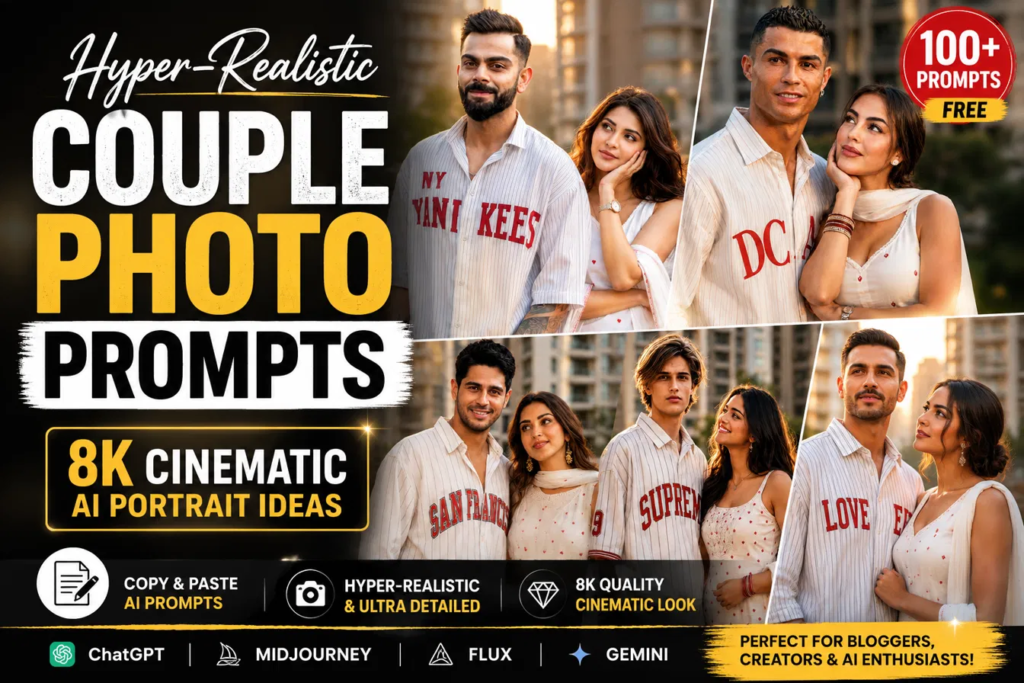
A few weeks ago I was trying to generate a couple portrait that didn’t look like every other AI image flooding Instagram. No matter what prompt I wrote, the couple looked posed, the expressions felt stiff, and every scene had that obvious “AI” look. These four prompts came out of that experiment, and each one ended up telling a completely different story without changing the people in the frame.
I tested every prompt on Gemini Nano Banana using the same reference images for the couple. The first few generations weren’t perfect—especially the storm scene where the faces kept changing—but after tweaking the lighting instructions and camera details, the results became much more consistent. That was the biggest surprise. Small prompt changes made a much bigger difference than adding more descriptive words.
Using these prompts is straightforward. Upload your reference images, paste the prompt exactly as written, and let the model generate a few versions before choosing your favorite. Don’t expect the first result to be the best one. Usually, the second or third attempt has better lighting and more natural facial expressions.
Reference Images
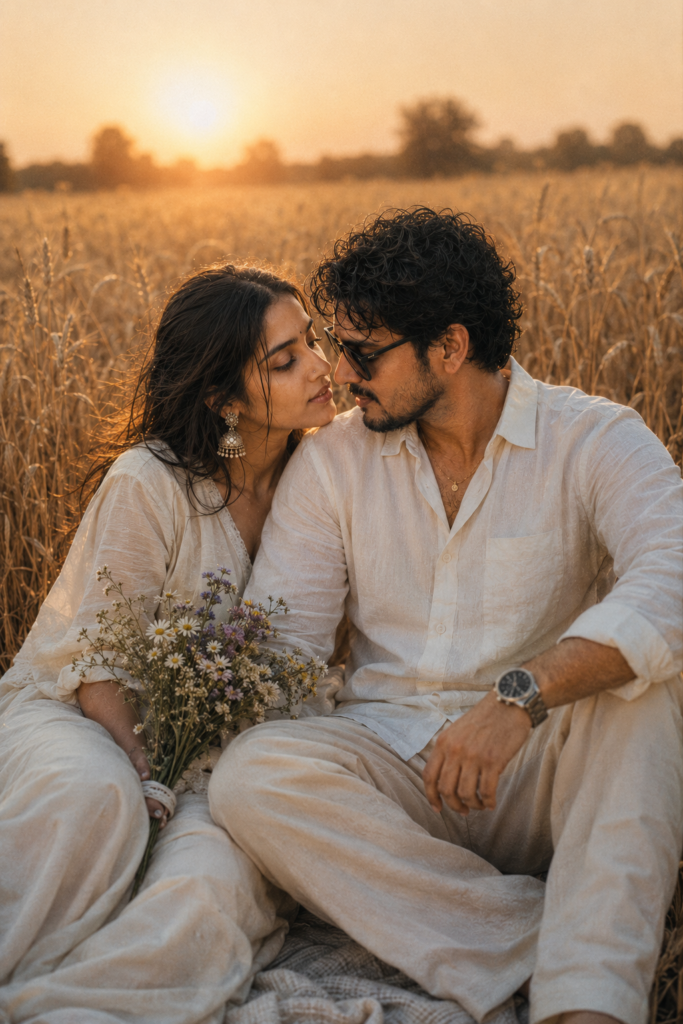
1. Golden Wheat Field Portrait
The collection starts with a warm golden-hour portrait in a wheat field. Everything about it feels peaceful—soft sunlight, neutral clothing, and relaxed body language. Instead of looking like a staged photoshoot, it feels like a real evening spent together. This is easily my favorite version for engagement-style portraits because the lighting naturally hides small AI imperfections.
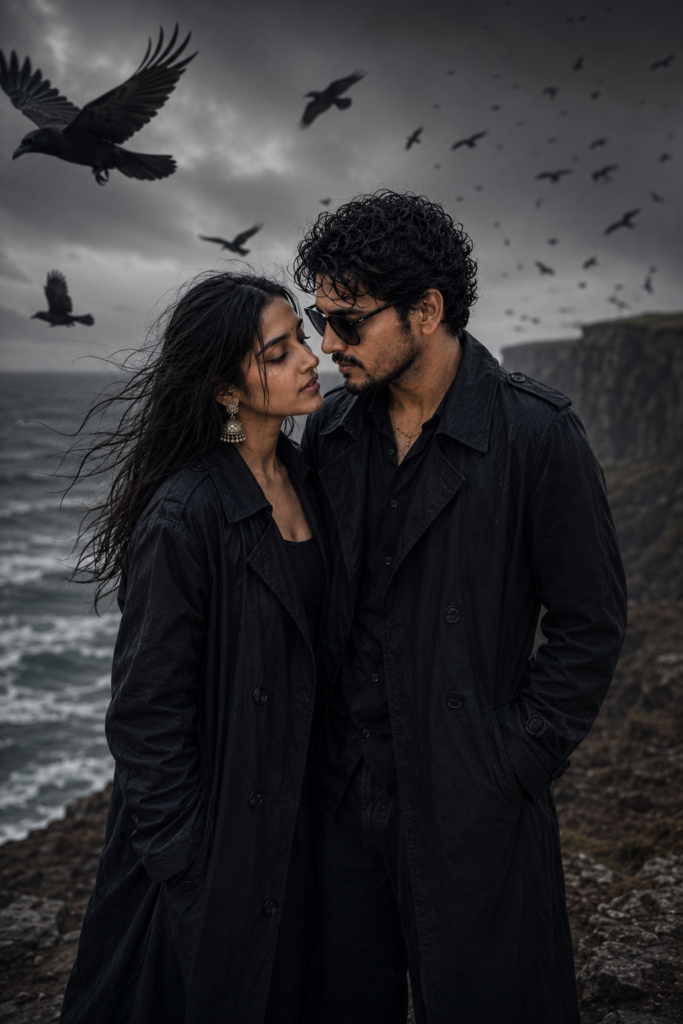
2. Stormy Cliffside Portrait
The second prompt creates something completely different. Dark cliffs, heavy clouds, flying ravens, and long black trench coats instantly change the mood into something cinematic. It almost looks like a movie poster rather than a romantic photograph. Surprisingly, adding too much fog made the faces softer, so I kept the atmosphere dramatic without overdoing it.
3. Neon City Portrait
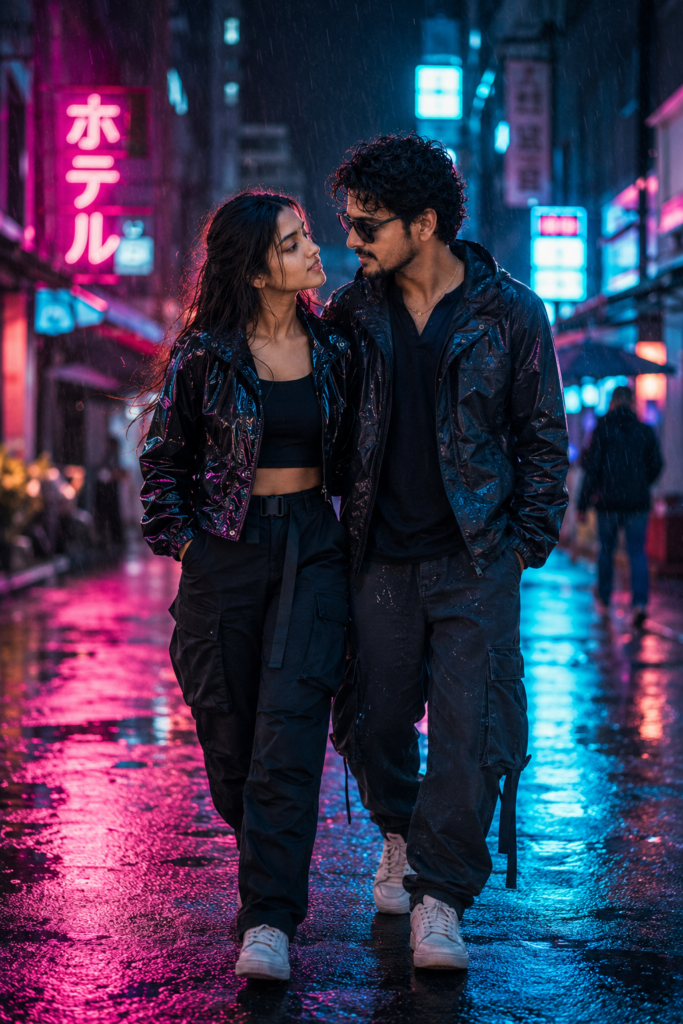
The neon city version was probably the most fun to generate. Rain reflections, glowing pink and blue signs, and casual streetwear give the image a modern cyberpunk feel. I noticed that reducing the amount of rain actually made the reflections look more realistic. Too much rain started covering facial details, especially around the eyes.
4. Minimalist Studio Portrait
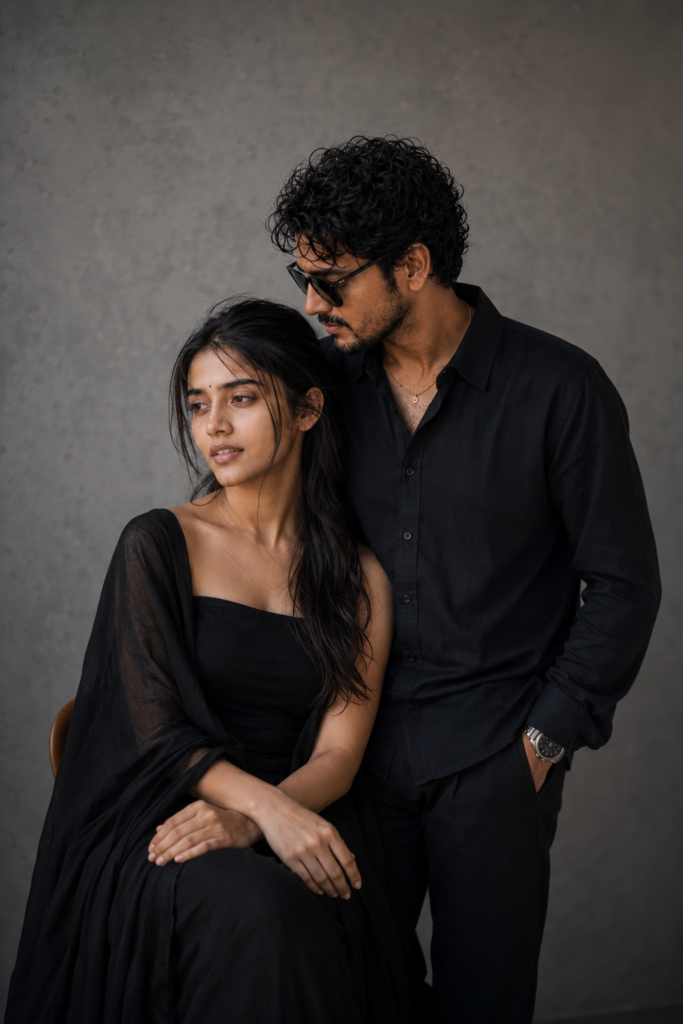
Finally, there’s the minimalist studio portrait. No dramatic background, no fancy effects—just clean lighting, black outfits, and genuine expressions. It proves you don’t always need an exotic location to create a memorable portrait. Sometimes removing distractions makes the connection between two people stand out even more.
One thing I learned after testing: avoid asking for extremely dramatic weather and intense facial close-ups in the same prompt. The model often struggles to keep facial details consistent when both are competing for attention.
Customize the Look
Instead of rewriting the whole prompt, swap individual details depending on the mood you’re after:
- Replace “golden sunset” with “blue-hour twilight” for a cooler romantic look.
- Change “stormy cliffs” to “snow-covered mountains” for a winter cinematic scene.
- Replace “pink and blue neon lights” with “warm Tokyo lanterns” for a softer night aesthetic.
- Swap “black outfits” for “cream linen clothing” if you want a lighter editorial style.
I still find myself coming back to the wheat-field version. It’s the simplest of the four, but it also feels the most natural—and that’s usually what makes an AI portrait believable in the first place.